
Pickleball session software

Every court.
Every score.
Every player.

OpenPickle runs your open play for you: fair matchups, live scores, and a queue everyone can see, without the paddle-stacking.

App StoreComing soonGoogle PlayComing soon
  • Free to use
  • Runs in the browser, nothing to install
Match formats built in
8
To set up a session
2 min
Apps for players to install
0
To get started
Free

The paddle-stack problem

If you’ve run open play, you know these

Paddle-stack chaos

“Who’s up next?” gets asked every rotation. Someone always sits too long, and someone always plays back-to-back.

Mismatched teams

Beginners get steamrolled, and your strongest player carries the same partner three games running.

Lost scores

Half the matches end with “wait, what was the score?” and the whiteboard is wiped before anyone writes it down.

OpenPickle handles all three, so you can put the whiteboard away and actually play.

Waiting for a court? Play a rally →

Everything your session needs

No paddle-stacking confusion. No arguments. Just games.

Smart auto matching

Skill-aware pairings and fair turn-taking, so the next match is ready the moment a court opens.

Live leaderboard

Wins, win rate, and streaks update after every match, with a podium your players will want to screenshot.

Share live — no login

One QR code. Anyone at the court can follow the queue, scores, and standings from their phone.

8 match formats

Smart Auto, Round Robin, Challenger’s Court, Mixed Doubles, Win/Lose Court and more. Pick the vibe for your session.

Court-side scoring

Hand each court its own scoring link, so players keep score themselves and you stop running between courts.

Big-screen live view

Put courts, queue, and leaderboard on a TV, with an announcer that calls players to their court.

How it works

From empty courts to first serve in three steps
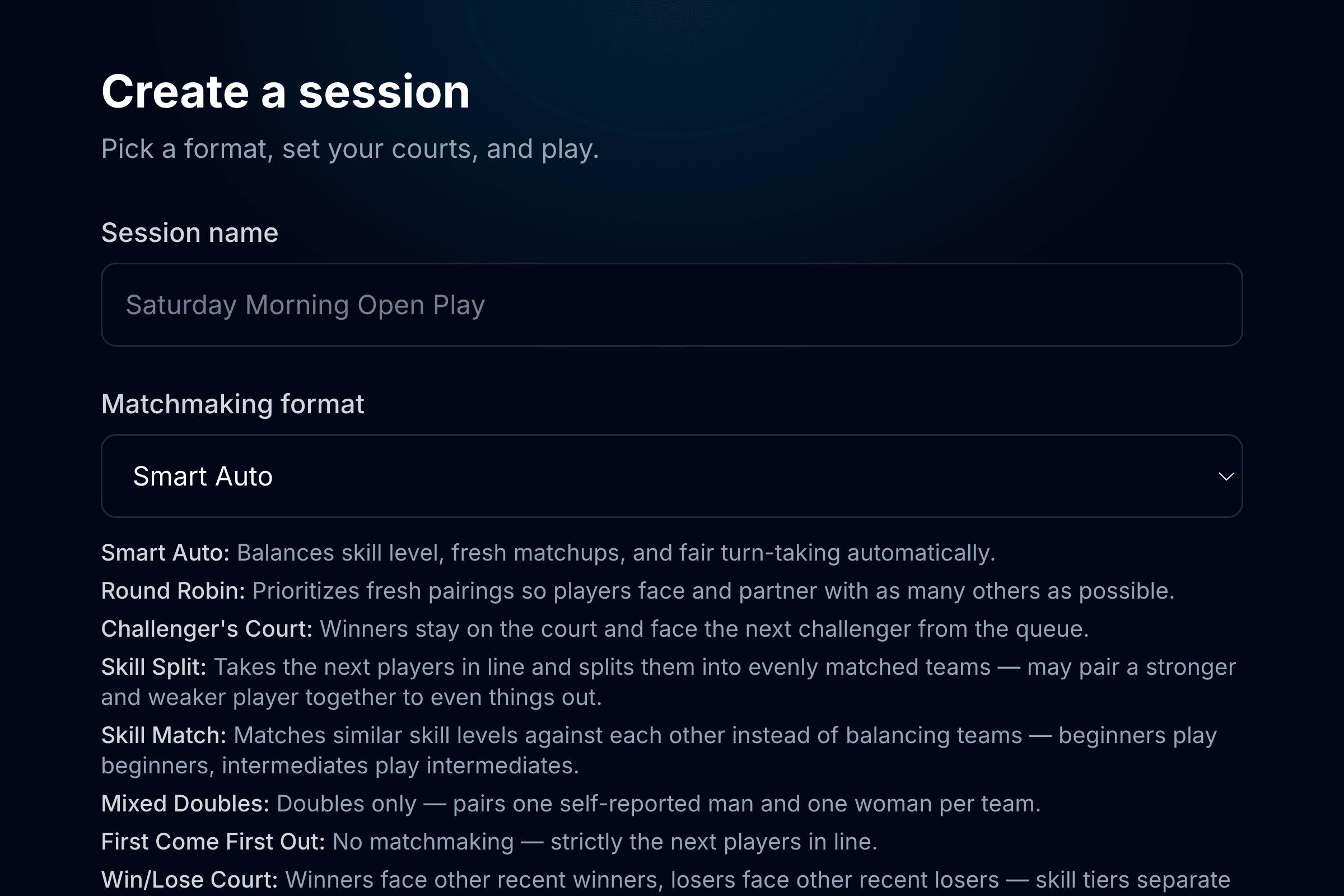
  1. The create-a-session form, with session name and matchmaking format
    1

    Create a session

    Name it, pick a format, and set your courts. It takes about two minutes.
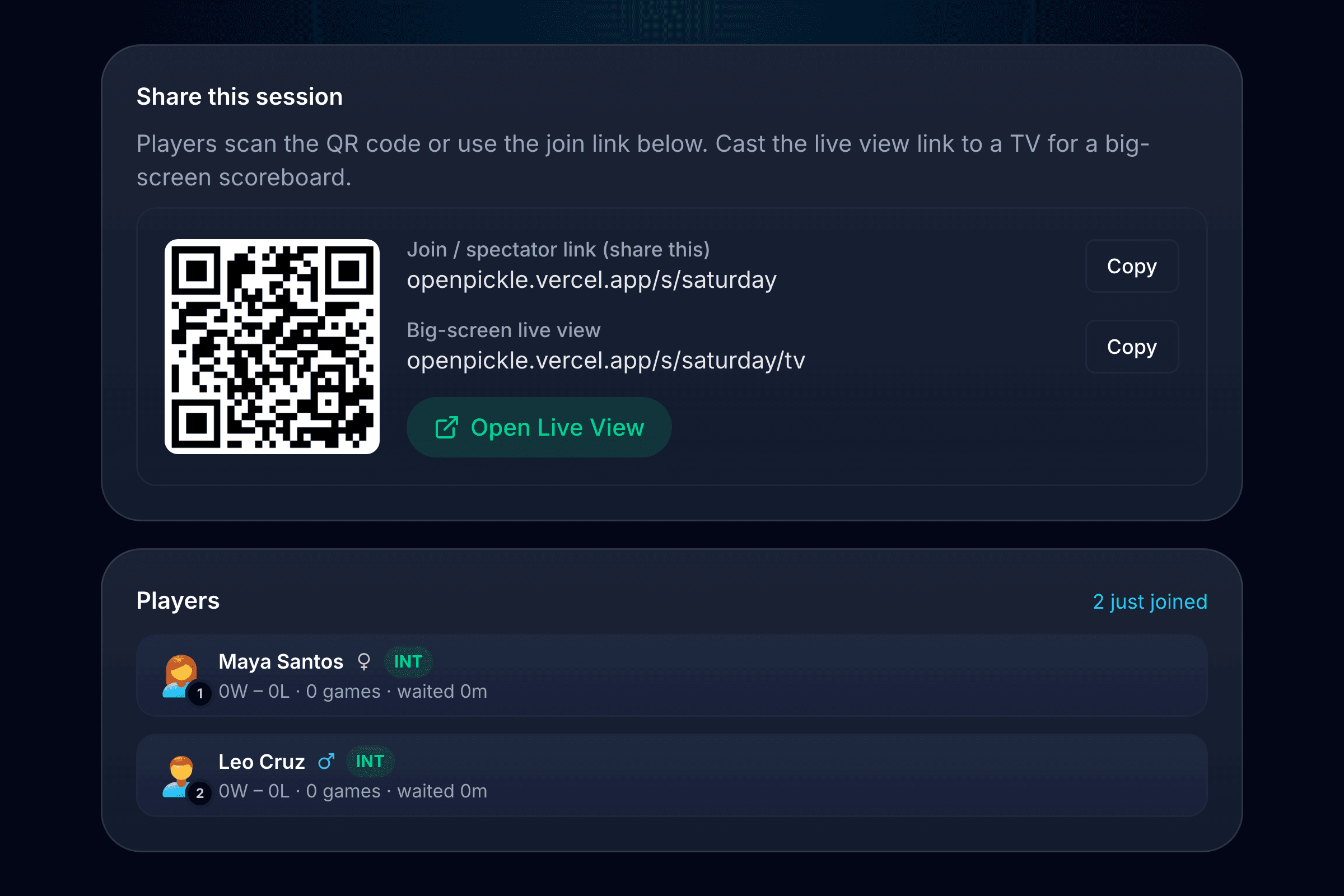
  2. The share screen with a QR code and join link, above a list of players who joined
    2

    Add your players

    Type them in, or share the QR code and let players join from their own phones.
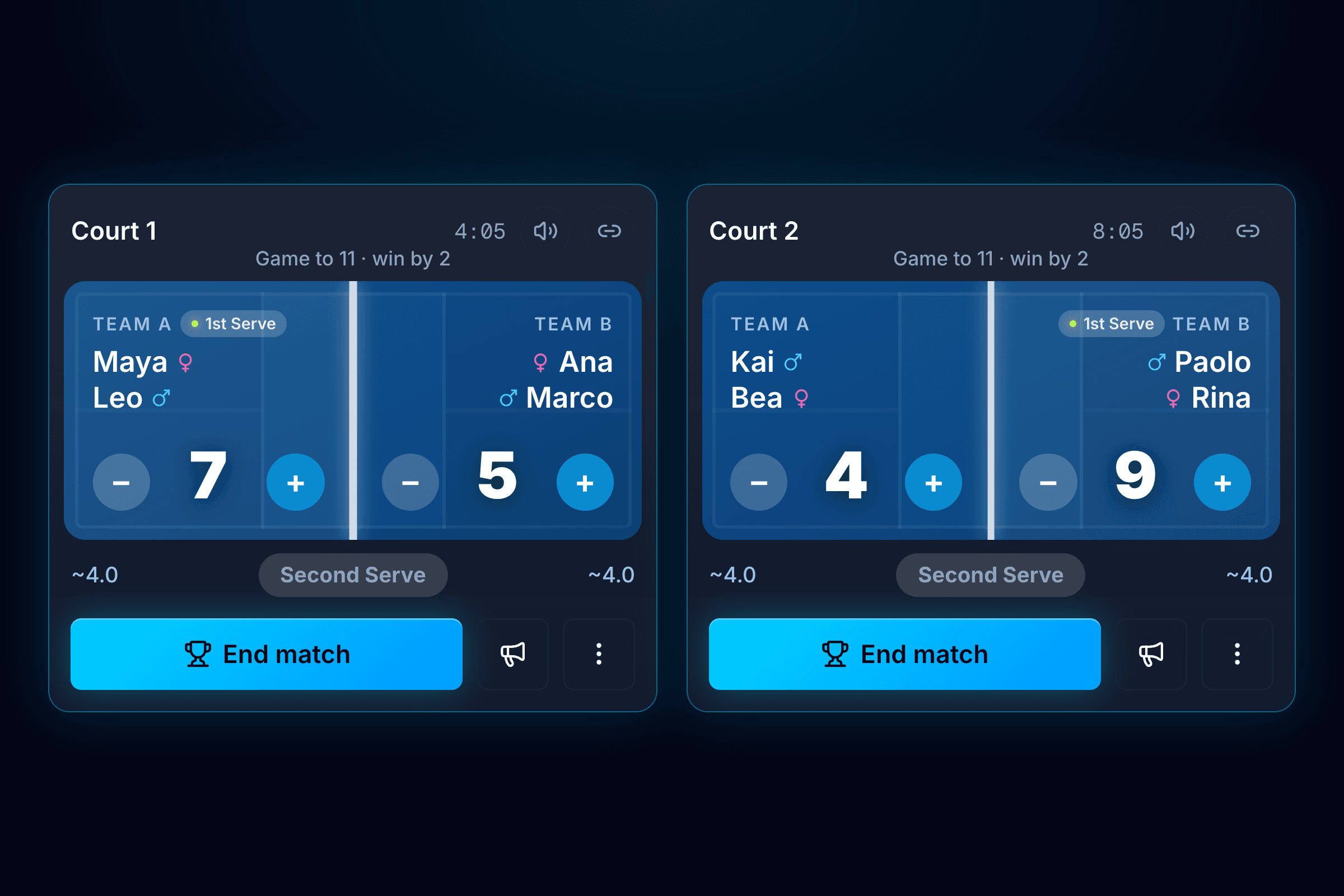
  3. Two courts in play, each showing both teams, the score, and scoring buttons
    3

    Start playing

    OpenPickle fills the courts, tracks every score, and keeps the queue moving all session.

Match formats

A format for every kind of session

Switch any time. OpenPickle does the matchmaking either way.

Win/Lose Court

Winners face other recent winners, losers face other recent losers — skill tiers separate naturally over time.

Smart Auto

Balances skill level, fresh matchups, and fair turn-taking automatically.

Round Robin

Prioritizes fresh pairings so players face and partner with as many others as possible.

Challenger's Court

Winners stay on the court and face the next challenger from the queue.

Skill Split

Takes the next players in line and splits them into evenly matched teams — may pair a stronger and weaker player together to even things out.

Skill Match

Matches similar skill levels against each other instead of balancing teams — beginners play beginners, intermediates play intermediates.

Mixed Doubles

Doubles only — pairs one self-reported man and one woman per team.

First Come First Out

No matchmaking — strictly the next players in line.

Run your next open play with

Set up a session in a couple of minutes. Your players only need the link.

Get Started — Free